Report Sections
By default, the report's layout is composed of the following four sections:
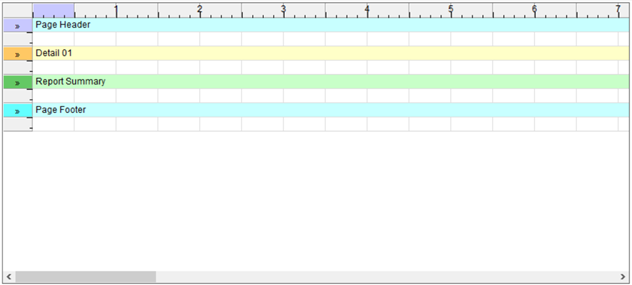
Page Header | Printed at the top of each page | |
Detail Line | Printed once per record | |
Report Summary | Printed once at the end of the report | |
Page Footer | Printed at the bottom of each page |
The lines beneath each section heading are printed whenever the section is printed. If you do not wish to print anything for a particular section, simply remove the lines under it.